Derek Coleman & Associates Inc logoDerek Coleman & Associates Inc

Home / Marketplace / MongoDB 7 Community on Ubuntu 24.04 LTS

MongoDB 7 Community on Ubuntu 24.04 LTS

A production-configured MongoDB 7.0 Community Server on Ubuntu 24.04 LTS. The database ships localhost-bound with no default users, so you go from deploy to a securely configured document store in minutes — not an internet-exposed liability.
Version: MongoDB 7.0 CommunityPlatform: Ubuntu 24.04 LTSPorts: 27017 (MongoDB) — server binds 127.0.0.1 until you set net.bindIpCategory: Databases
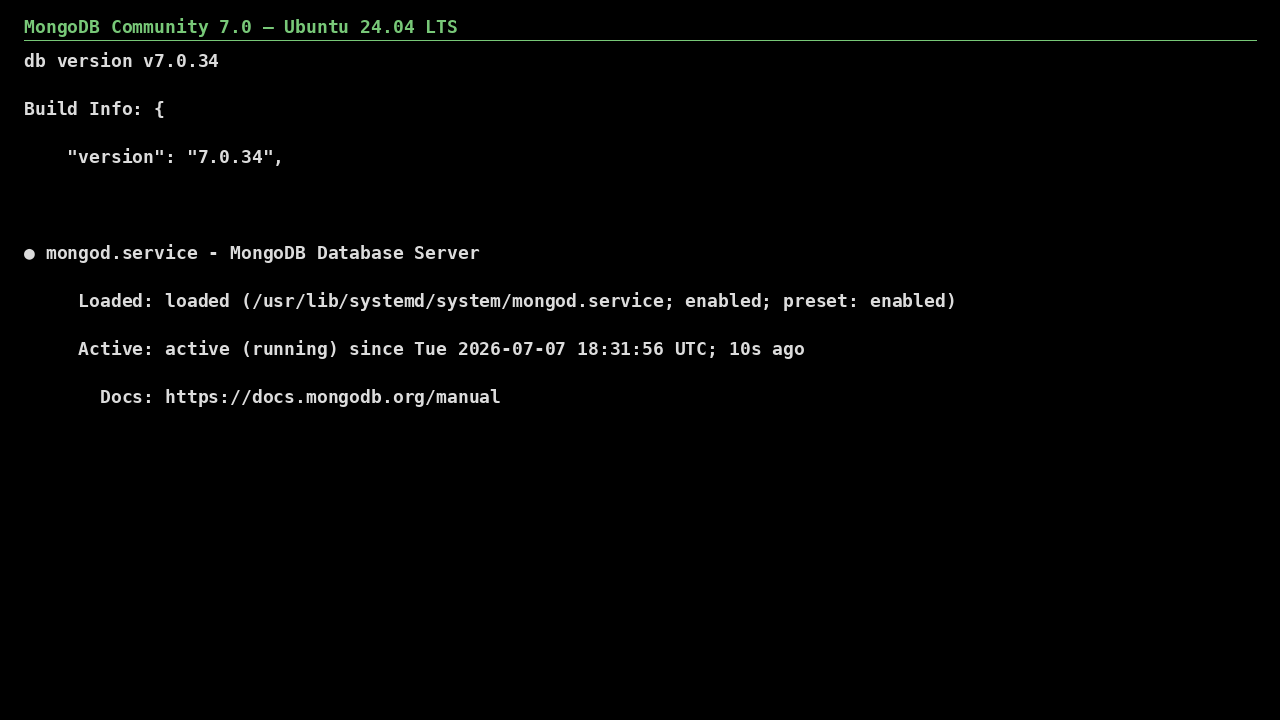
MongoDB 7 Community on Ubuntu 24.04 LTS screenshot

What's included

  • MongoDB 7.0 Community from the official MongoDB repository
  • Bound to localhost by default — secure out of the box
  • Ubuntu 24.04 LTS with automatic security updates
  • Trusted Launch: Secure Boot + vTPM supported
  • XFS data-disk auto-mount recommended path for production I/O
  • WiredTiger tuned for VM memory at first boot

Quick start

  1. SSH into the VM with the username and key you chose at deploy.
  2. MongoDB runs as the `mongod` systemd service, bound to localhost on 27017 with authorization enabled; the in-image ufw allows 27017 and the NSG keeps it closed until you open it.
  3. Connect with `mongosh -u admin -p --authenticationDatabase admin` using the generated password (see First login below), create your application users, then set net.bindIp in /etc/mongod.conf and open 27017 to your app tier only.

Get your admin password (one time)

ssh <your-username>@<VM-IP>
sudo cat /root/.mongodb-initial-password

Authorization is enabled at first boot and the `admin` user (role root) gets a generated password; there is no unauthenticated access. MongoDB listens on 127.0.0.1 until you change net.bindIp.

Common use cases

  • Document-model application backends
  • Event and catalog stores
  • Rapid prototyping with production parity
  • Regional data residency in your own subscription

Why our images

Freshly rebuilt against the latest security advisories, no shared default credentials, Trusted Launch support, and automatic OS security updates — everything runs in your own Azure subscription under your governance.

Deploy MongoDB 7 Community in minutes

Production-ready, hardened, and maintained. Deploy straight from the Azure Marketplace into your subscription.