Derek Coleman & Associates Inc logoDerek Coleman & Associates Inc

Home / Marketplace / Metabase on Ubuntu 24.04 LTS

Metabase on Ubuntu 24.04 LTS

Self-serve business intelligence your whole team can use. This image boots Metabase on Ubuntu 24.04 LTS with a unique per-VM admin credential — connect a database and publish your first dashboard in minutes, with all analytics traffic staying inside your network.
Version: Metabase 0.50.32 (H2 application database)Platform: Ubuntu 24.04 LTSPorts: 3000 (Metabase web UI)Category: Monitoring & Analytics
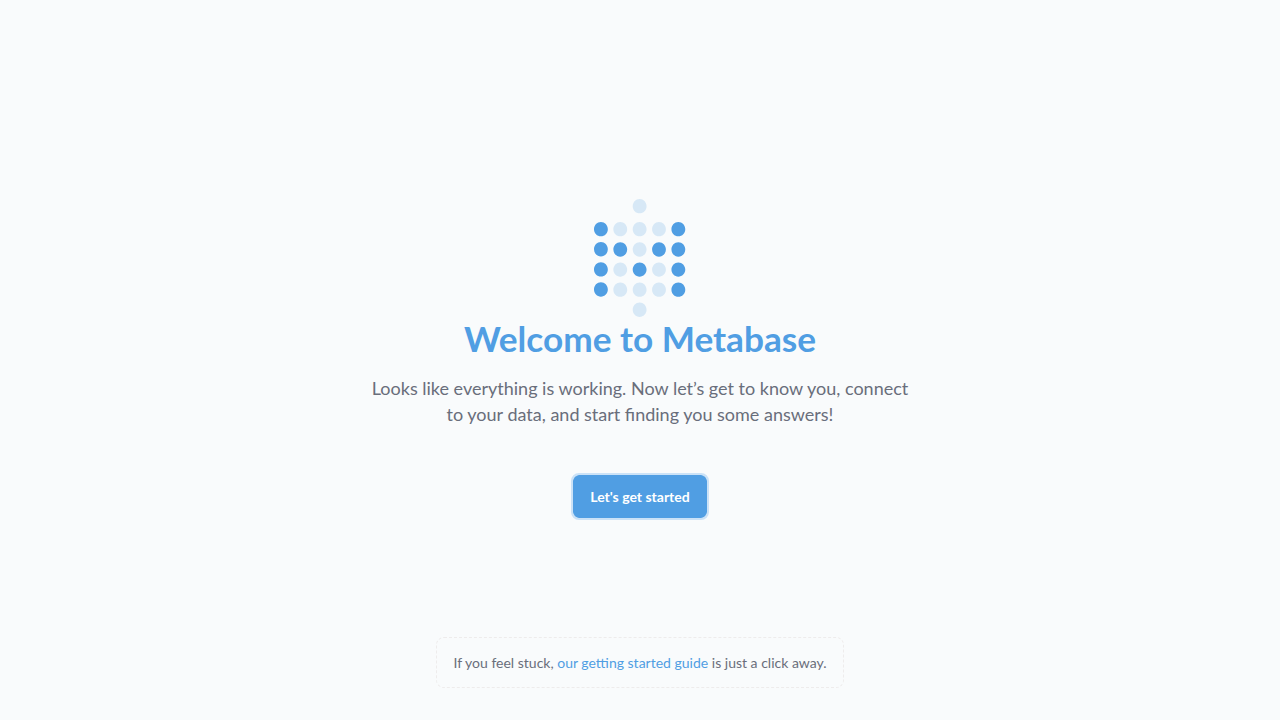
Metabase on Ubuntu 24.04 LTS screenshot

What's included

  • Metabase open-source BI — questions, dashboards, alerts
  • Connects to PostgreSQL, MySQL, SQL Server, MongoDB, and more
  • Unique per-VM admin password generated at first boot
  • Ubuntu 24.04 LTS with automatic security updates
  • Trusted Launch: Secure Boot + vTPM supported
  • Keep data private: query over VNet peering or Private Link

Quick start

  1. Deploy from the Azure Marketplace (Get It Now → Create), choosing your SSH key at the Administration step.
  2. Allow inbound SSH (22) for yourself plus the application port(s): 3000 (Metabase web UI) — restrict to your own IP where possible. The in-image firewall already allows them; only the Network Security Group (NSG) keeps them closed.
  3. Open http://<VM-IP>:3000/ and sign in with the generated admin e-mail and password (see First login below).
  4. Connect your first database (Admin → Databases) and start asking questions. Move the application database off H2 (MB_DB_TYPE in /etc/default/metabase) before production use.

Get your admin password (one time)

ssh <your-username>@<VM-IP>
sudo cat /var/lib/metabase/admin-password

Metabase logs in by e-mail address: use METABASE_ADMIN_EMAIL from the file (not `admin`). Change it to a real address after first sign-in.

Common use cases

  • Company KPI dashboards
  • Embedded analytics for internal tools
  • Ad-hoc SQL exploration with governance
  • Scheduled reports and threshold alerts

Why our images

Freshly rebuilt against the latest security advisories, no shared default credentials, Trusted Launch support, and automatic OS security updates — everything runs in your own Azure subscription under your governance.

Deploy Metabase in minutes

Production-ready, hardened, and maintained. Deploy straight from the Azure Marketplace into your subscription.