Derek Coleman & Associates Inc logoDerek Coleman & Associates Inc

Home / Marketplace / Keycloak on Ubuntu 24.04 LTS

Keycloak on Ubuntu 24.04 LTS

Deploy single sign-on (SSO) with OpenID Connect (OIDC) and SAML support in minutes. This image boots Keycloak 26 with a unique, per-VM generated admin password — no well-known credentials — on a hardened Ubuntu 24.04 LTS base.
Version: Keycloak 26.2.5 (dev-file database, pre-built; HTTP on 8080)Platform: Ubuntu 24.04 LTSPorts: 8080 (Keycloak admin console + realms, HTTP)Category: Security & Identity
Pay-as-you-go pricing: $0.09 per vCPU per hour software fee, plus Azure infrastructure (billed by Microsoft). Example: a 4-vCPU VM runs about $263/month in software fees at 730 hours — stop the VM, stop paying.
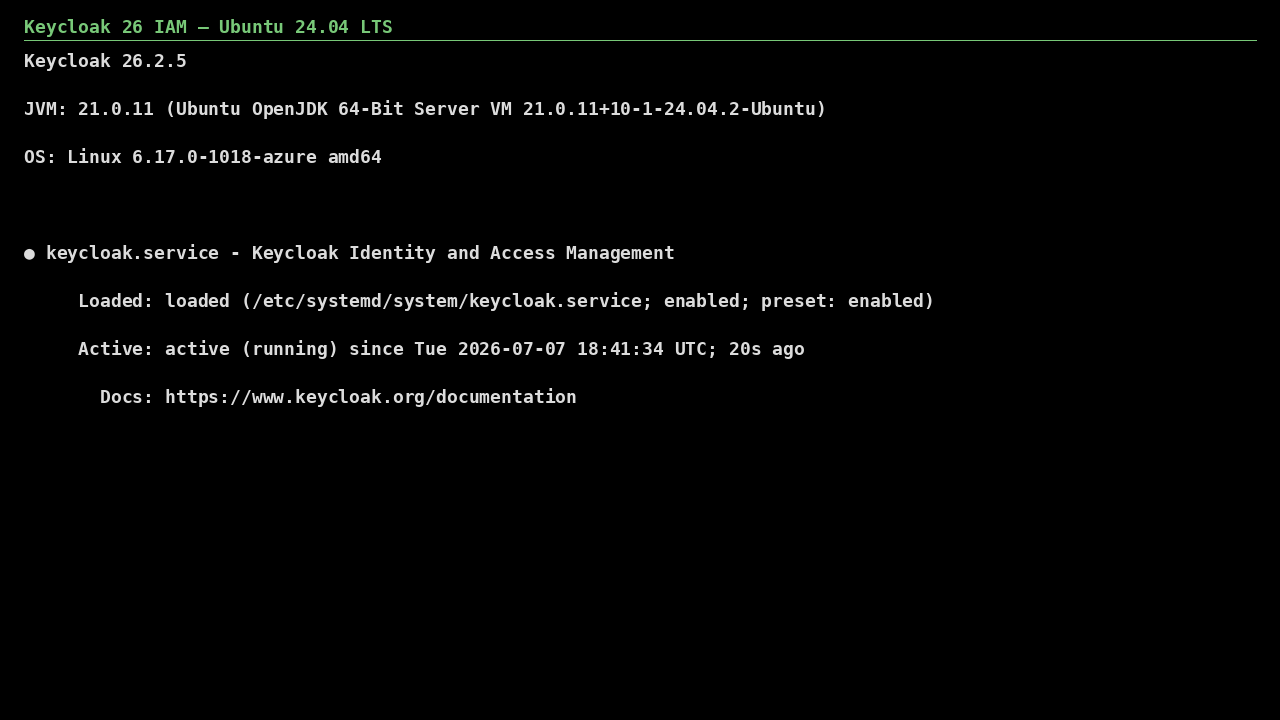
Keycloak on Ubuntu 24.04 LTS screenshot

What's included

  • Keycloak 26 with OIDC, OAuth2, and SAML 2.0 support
  • Unique per-VM bootstrap admin username + password generated at first boot
  • Realm, client, and user federation (LDAP/AD) support built in
  • Ubuntu 24.04 LTS with automatic security updates
  • Trusted Launch: Secure Boot + vTPM supported
  • Ready to front with Azure Application Gateway for TLS

Quick start

  1. Open http://<VM-IP>:8080/ in your browser (allow inbound 8080 in the NSG; the in-image ufw already allows it).
  2. Sign in to the admin console with the generated bootstrap username AND password (both in the file below — the username is dcaadmin-<random>, not `admin`), then create a permanent admin and change the password.
  3. Create your first realm, add clients for your applications, and put Keycloak behind HTTPS before production use.

Get your admin password (one time)

ssh <your-username>@<VM-IP>
sudo cat /opt/keycloak/admin-password

The file holds TWO lines: KC_BOOTSTRAP_ADMIN_USERNAME (a per-VM name of the form dcaadmin-xxxxxxxx — the username is NOT `admin`) and KC_BOOTSTRAP_ADMIN_PASSWORD. Keycloak treats this as a temporary bootstrap admin: create a permanent admin user, then delete the file once stored securely.

Common use cases

  • Single sign-on across internal applications
  • Customer identity (CIAM) for SaaS products
  • Federating Entra ID / LDAP into legacy apps
  • Centralized MFA and session policies

Why our images

Freshly rebuilt against the latest security advisories, no shared default credentials, Trusted Launch support, and automatic OS security updates — everything runs in your own Azure subscription under your governance.

Deploy Keycloak in minutes

Production-ready, hardened, and maintained. Deploy straight from the Azure Marketplace into your subscription.