Derek Coleman & Associates Inc logoDerek Coleman & Associates Inc

Home / Marketplace / Jenkins LTS on Ubuntu 24.04 LTS

Jenkins LTS on Ubuntu 24.04 LTS

The most widely deployed CI/CD automation server, ready to build within minutes. This image boots Jenkins LTS on a hardened Ubuntu 24.04 base with a per-VM initial admin password — walk straight into the setup wizard and start defining pipelines.
Version: Jenkins LTS 2.568.3 on OpenJDK 21 (image 2026.928.1759 — the "Gen2 (usage-based)" plan); the "Gen2" plan still publishes image 2026.05.30 with the Jenkins LTS release current at that buildPlatform: Ubuntu 24.04 LTSPorts: 8080 (Jenkins web UI)Category: DevOps & Kubernetes
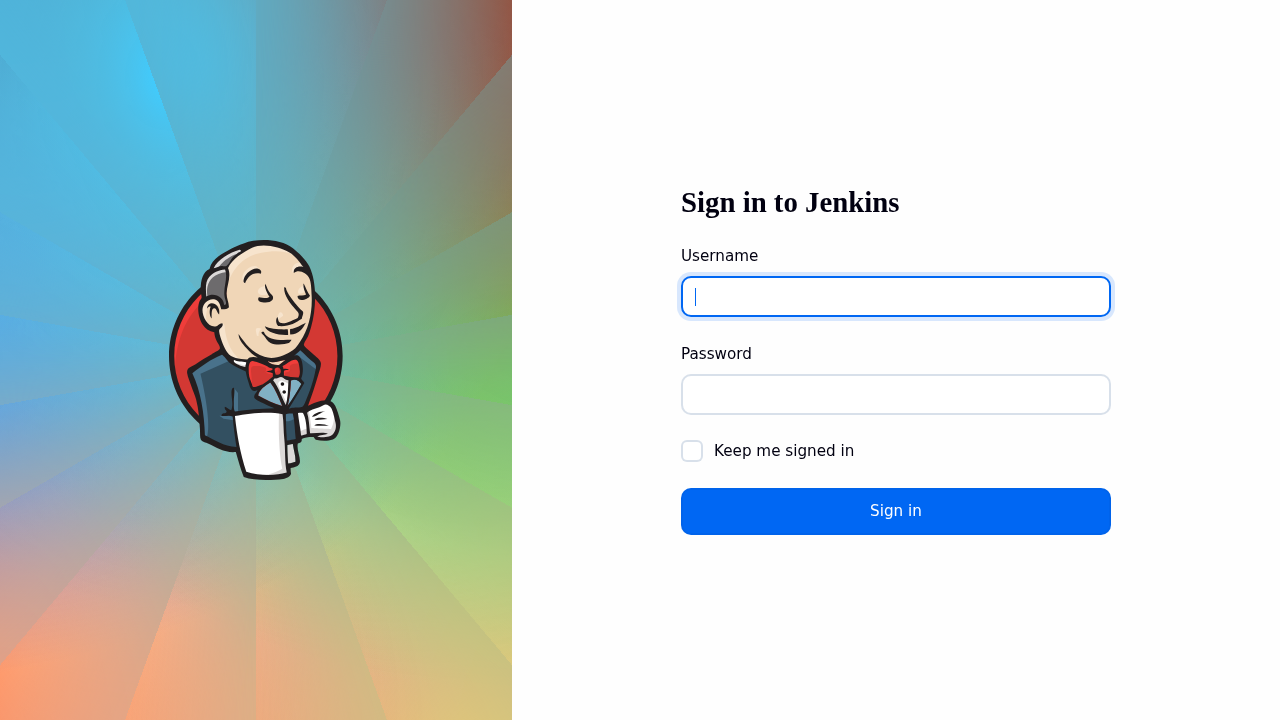
Jenkins LTS on Ubuntu 24.04 LTS screenshot

What's included

  • Jenkins LTS with the standard plugin ecosystem available
  • Per-VM initial admin password — no shared defaults
  • OpenJDK 17 runtime pre-installed and configured
  • Ubuntu 24.04 LTS with automatic security updates
  • Trusted Launch: Secure Boot + vTPM supported
  • Scale out with SSH or inbound agents as build load grows

Quick start

Known issue on the current image (as of 2026-10-14) — On the "Jenkins LTS on Ubuntu 24.04 LTS — Gen2" plan only: signing in as admin with /root/.jenkins-initial-password returns HTTP 401, because the Configuration-as-Code admin user was never created and Jenkins waits in its setup wizard. The same image also ships controller keys that are identical on every VM deployed from it (Jenkins was started during the image build), so stored credentials on one such VM can be decrypted by anyone holding another. The "Gen2 (usage-based)" plan publishes a fixed image and is not affected. Workaround and fix status on the support page.
  1. Deploy from the Azure Marketplace (Get It Now → Create), choosing your SSH key at the Administration step.
  2. Allow inbound SSH (22) for yourself plus the application port(s): 8080 (Jenkins web UI) — restrict to your own IP where possible. The in-image firewall already allows them; only the Network Security Group (NSG) keeps them closed.
  3. Open http://<VM-IP>:8080/ and sign in as admin with the password in /root/.jenkins-initial-password (usage-based plan; see First login for the Gen2 plan's wizard).
  4. Create your first pipeline (New Item → Pipeline) or connect agents; put Jenkins behind HTTPS before exposing it beyond your network.

Get your admin password (one time)

ssh <your-username>@<VM-IP>
sudo cat /root/.jenkins-initial-password   # image 2026.928.1759; on image 2026.05.30: sudo cat /var/lib/jenkins/secrets/initialAdminPassword

Image 2026.928.1759 (usage-based plan): sign in as admin with /root/.jenkins-initial-password — the password was proven against the running Jenkins at first boot, and the controller keys were generated on your VM. Image 2026.05.30 (Gen2 plan): the setup wizard is active and the keys are shared — see Known issue.

Common use cases

  • CI/CD pipelines for any language or platform
  • Scheduled jobs and infrastructure automation
  • Self-hosted build farm controller
  • Regulated environments requiring private build infrastructure

Why our images

Freshly rebuilt against the latest security advisories, no shared default credentials, Trusted Launch support, and automatic OS security updates — everything runs in your own Azure subscription under your governance.

Deploy Jenkins LTS in minutes

Production-ready, hardened, and maintained. Deploy straight from the Azure Marketplace into your subscription.